
Skip to product information
1 of 12

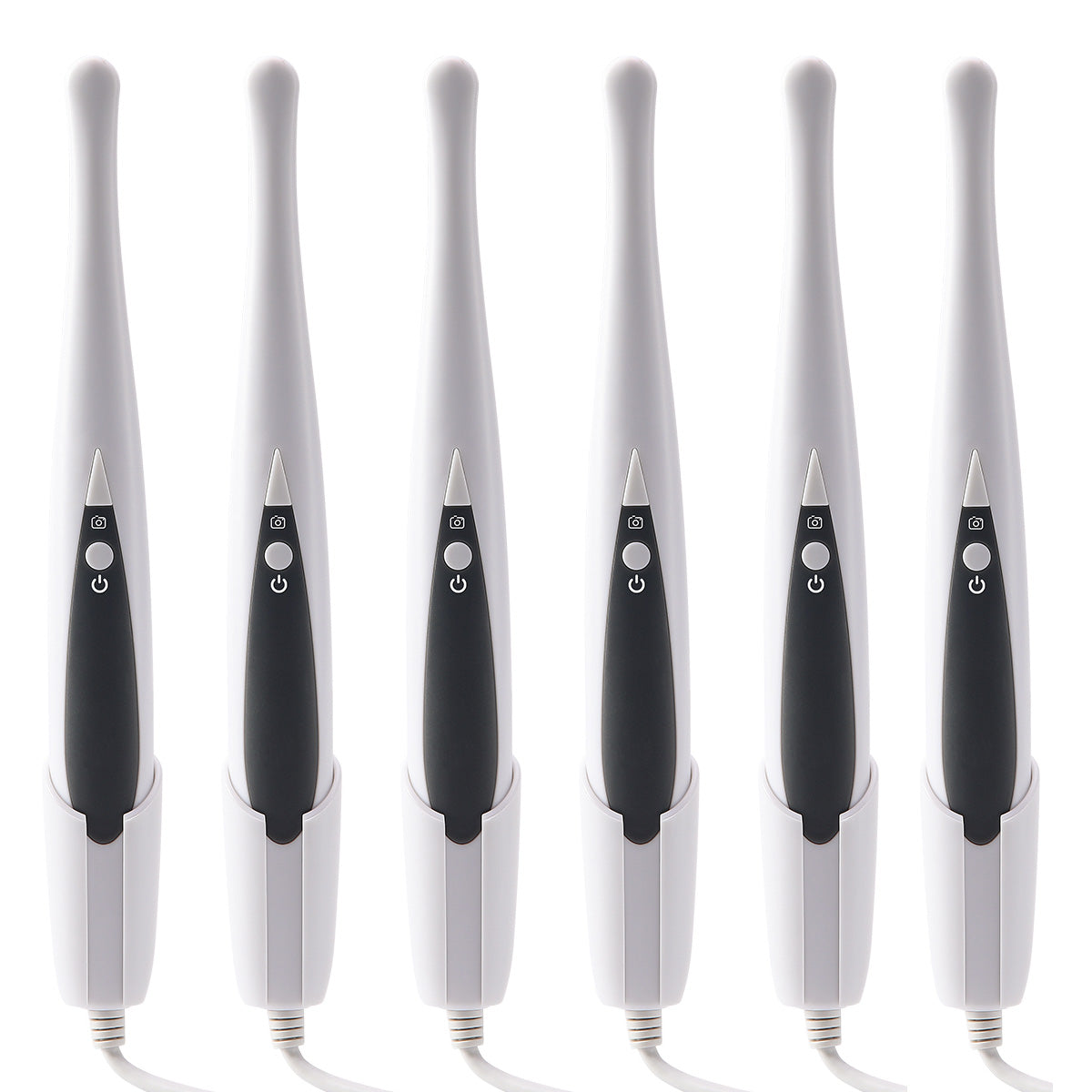
Dental USB Intraoral Camera Oral Endoscope HD Camera 6 LED Lights

Dental USB Intraoral Camera Oral Endoscope HD Camera 6 LED Lights

SKU:116009007

Regular price $48.99 USD
Regular price $0.00 USD Sale price $48.99 USD
Sale Sold out
Shipping calculated at checkout.

30-day return or refund

We allow customers to apply for return or refund, exchange within 30 days after the receipt of the goods.

Secure payments

We accept Paypal, MasterCard, Visa, AMEX, & Discover.

View full details
Your cart
Product Product subtotal Quantity Price Product subtotal
Dental USB Intraoral Camera Oral Endoscope HD Camera 6 LED Lights
Regular price
$0.00
Sale price
$48.99/ea
$0.00
Regular price
$0.00
Sale price
$48.99/ea
$0.00

Dental USB Intraoral Camera Oral Endoscope HD Camera 6 LED Lights. Standard magnetic holder Hang up and light turn off automatically. High Resolution, Compatible with the Android system, Windows 7 or later system.

Specifications
Name: Intra Oral Camera
Power supply: Computer USB port powered, rating DC-5V
Lens: 1/4 CMOS
Light:  6 white LED lights
Focus range:  10-40mm (10mm is recommanded)
Focus Type: Automatic focusing
Angle of View: 105°
Output Mode: 2.0 USB, 2 meter cable
Weight:  NET220g
Packing List
USB intraoral camera: 1 Pc
Plastic holder for camera: 1 Pc
Disposable Sheath:  1 Pk
Manual 1 Pc
Operation steps
  • 1. Insert the USB plug of the machine into the USB port on the computer
  • 2. Open the software on the computer, then click the "Capture" button on the software interface. The machine will automatically start and turn on the light
  • 3. Now, you can use your Camera normally
Kindly Note
  • 1. This product is compatible with the Windows system (Windows 7 or later).
  • 2. Download the original software from the following website: http://45.40.249.38/dentalusb.exe (Note: Do not add "s" after ''http'')
  • 3. If you want to use your own software, you need to make sure that the software supports the UVC protocol. If unsure, please consult the software company. Otherwise, only the software downloaded from the above link can be used.


Page title